
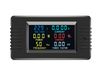
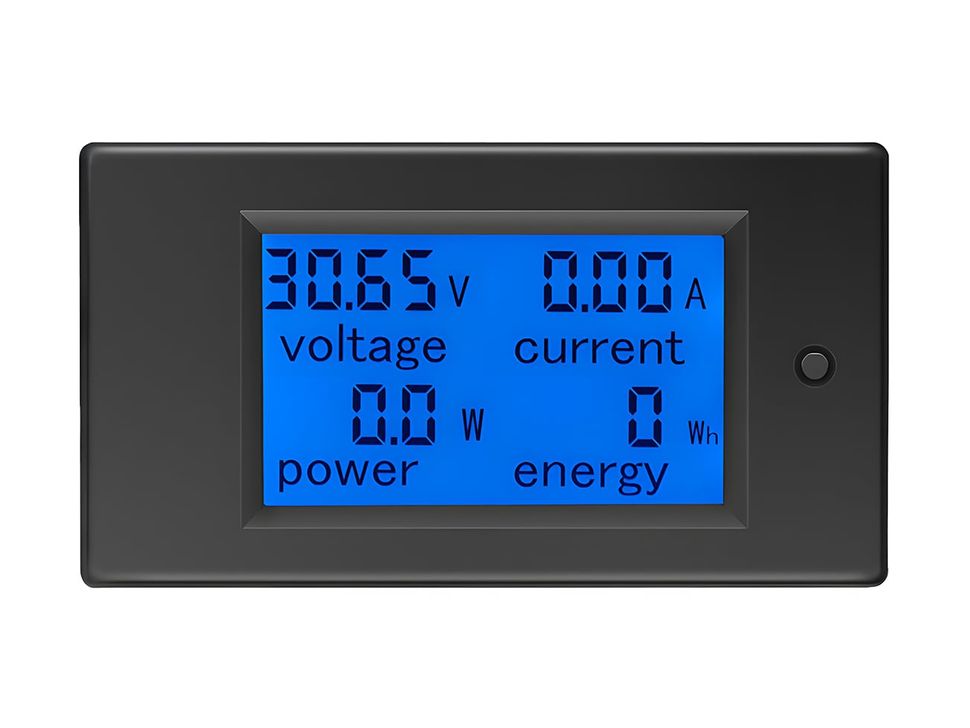
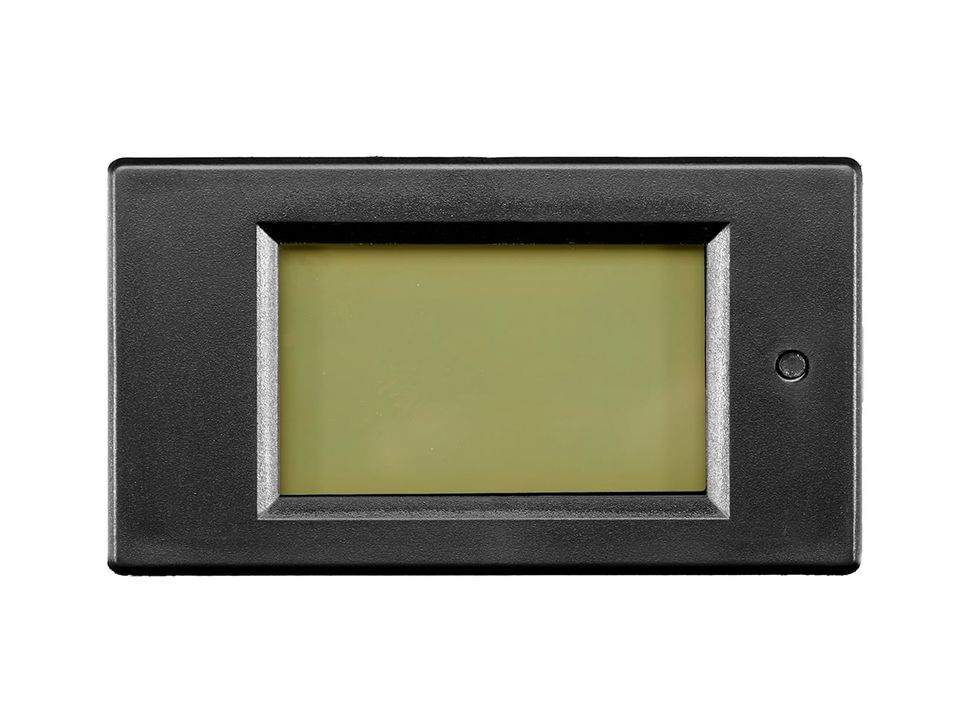
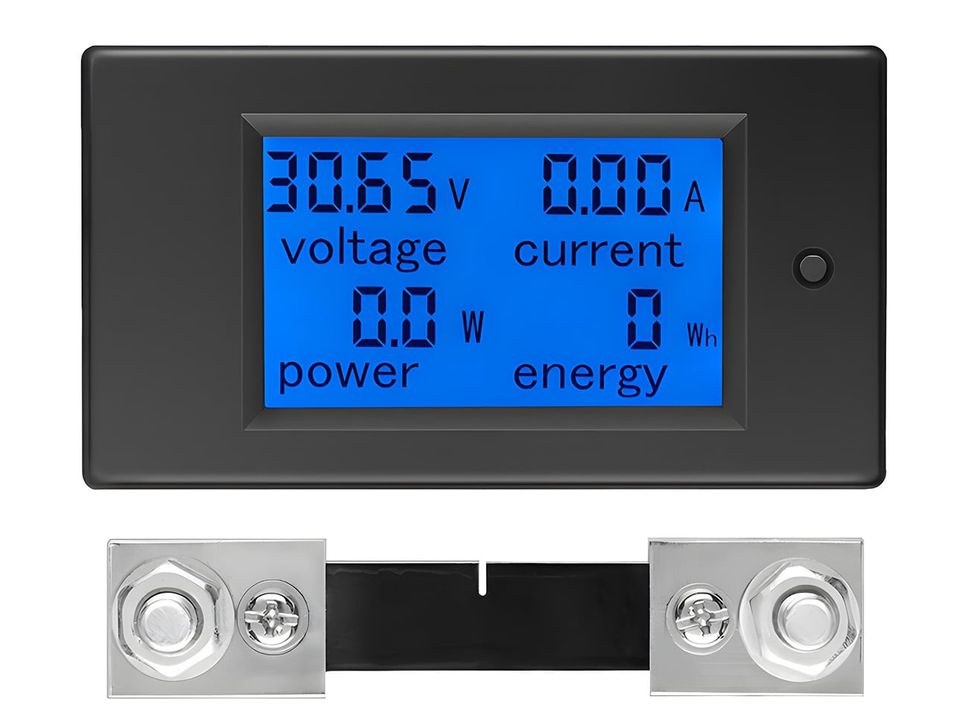

Overview
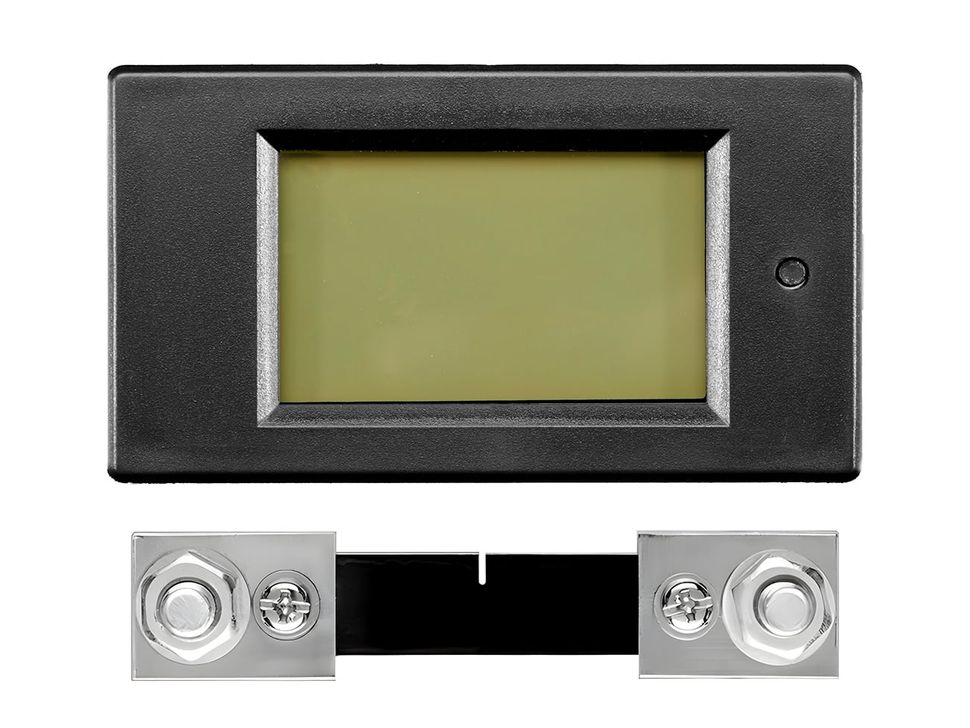
This multifunctional DC digital display meter is designed for accurate measurement and monitoring of voltage, current, power, and energy consumption in your DC systems. Equipped with a large LCD screen and backlight, it allows clear visibility of all key parameters at a glance, making it ideal for solar power setups, battery monitoring, DIY electronics, and automotive applications.
The meter features over-voltage alarm, and one-button energy reset, ensuring ease of use and reliable performance. With support for wide voltage input (8–100V DC) and multiple current ranges, it provides flexibility for both small and high-power DC systems.
Specification
Technical details for DC Digital Panel Mount Volt, Current and Power Meter Display.
| Specification | PZEM-031 | PZEM-051 |
|---|---|---|
| Working Voltage | 8–100V DC | |
| Test Voltage | 8–100V DC | |
| Rated Power | 20A / 2000W | 100A / 10000W (Requires Shunt) |
| Measurement Accuracy | Class 1.0 | |
| Power Range | 0–2kW | 0–10kW |
| Energy Range | 0–9999kWh | |
| Voltage Range | 8.00–99.99V | |
| Current Range | 0.00–20.00A | 0.0–99.99A |
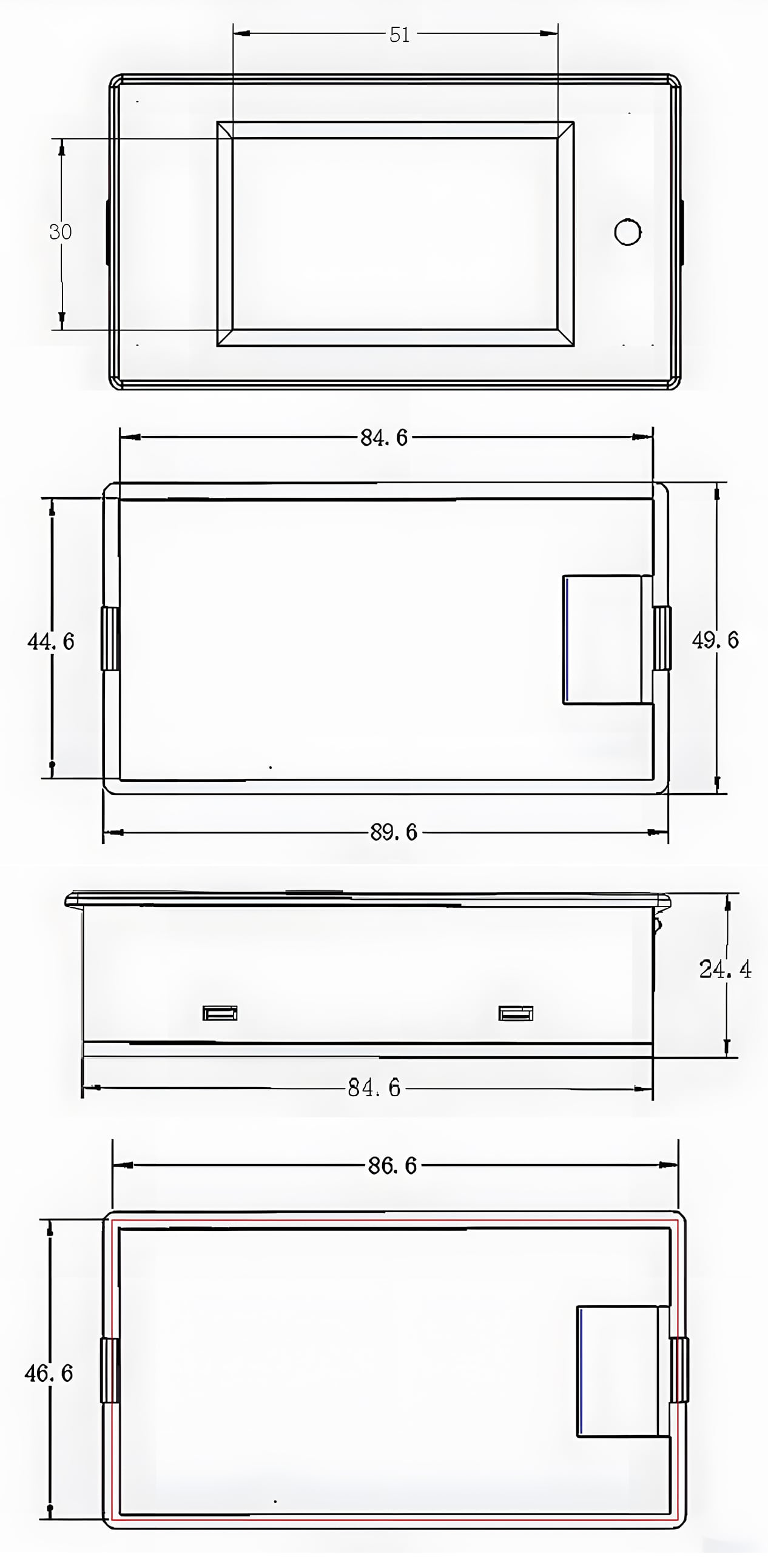
| Screen Size | 51 × 30 | |
| Overall Dimensions | 89.6 × 49.6 mm | |
| Panel Body Size | 84.6 × 44.6 x 24.4 mm | |
| Mounting Cutout Size | 86.6 × 46.6 mm | |
Connection Guide
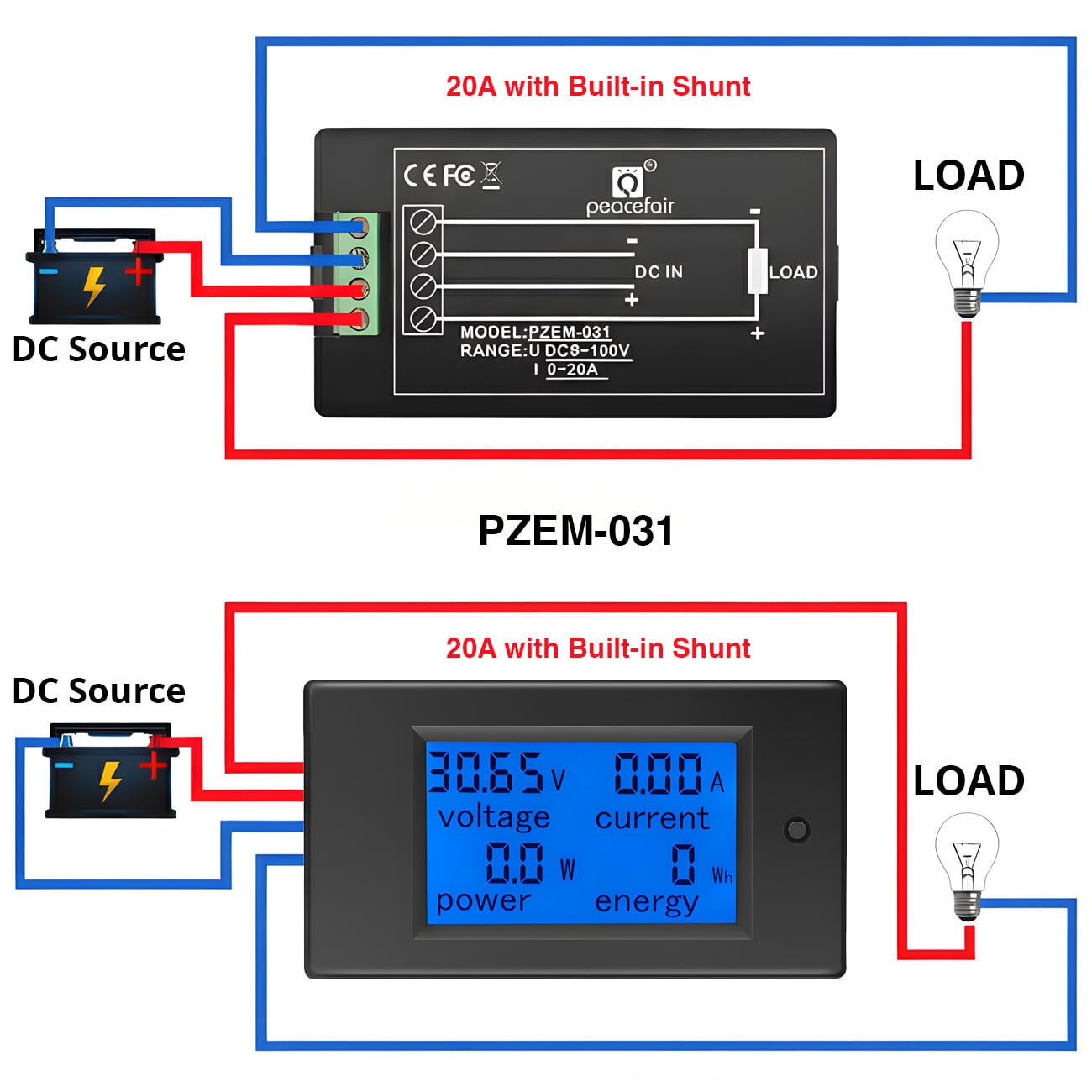
1.PZEM-031
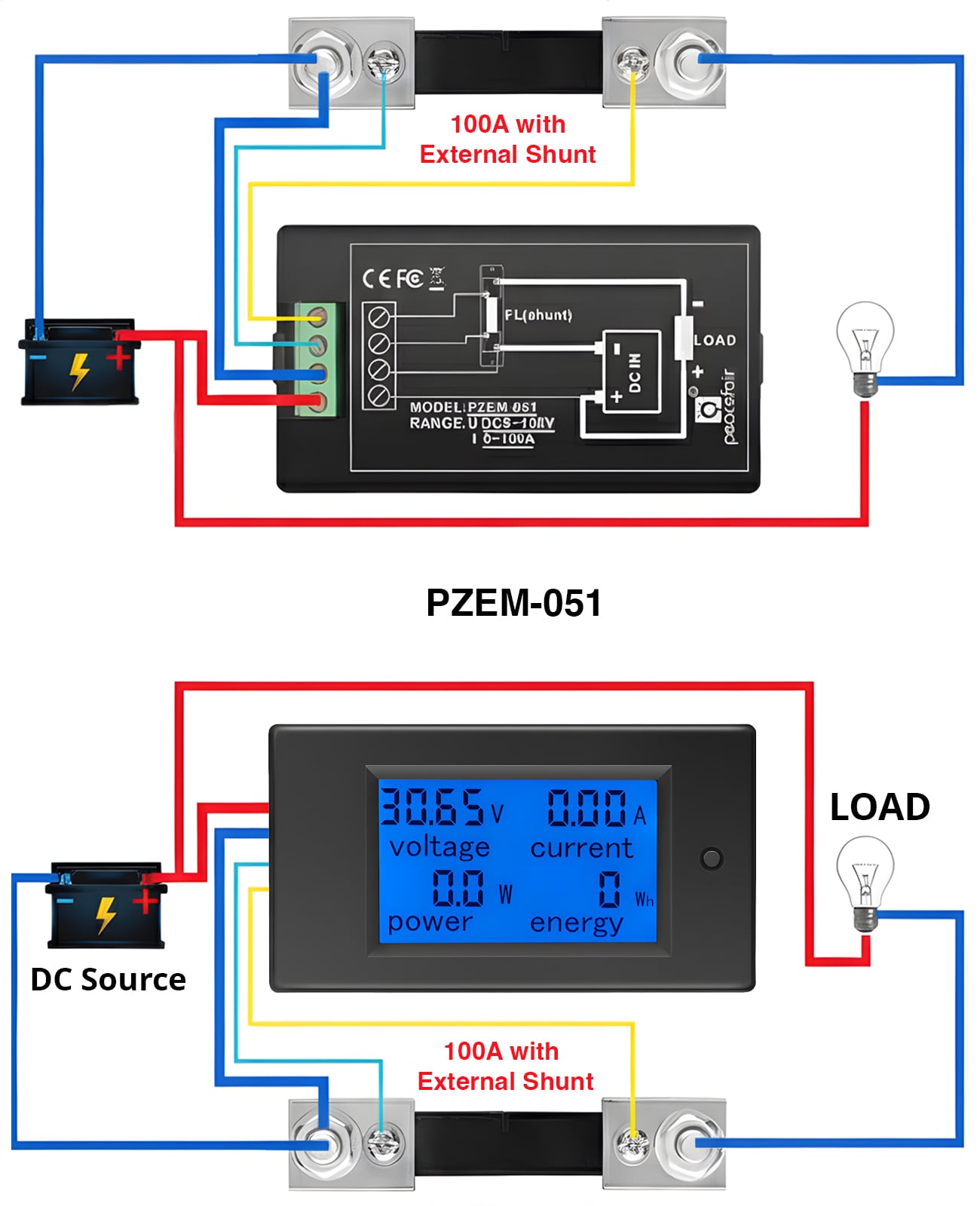
2. PZEM-051
Functions & Control
Backlight Control
Press the button briefly to turn the backlight ON or OFF. The backlight setting is automatically saved even after power is disconnected.
1. Energy Reset Function
- Long press the button until “CLR” is displayed, then release.
- The energy value will flash, indicating reset mode. Press again to clear the data.
- If no button is pressed within 5 seconds, the data remains unchanged and the reset mode exits.
2. Voltage Alarm Setting
- Long press the button until “SET” is displayed, then release.
- Voltage area shows the current high alarm value; current area shows the low alarm value. Adjust digits with short presses.
- Alarm setting range: 8.0V ~ 99.9V.
- After saving, the display shows “PASS” and exits setup.
3. Range Selection
- Long press until “CURR” is displayed, then release.
- Switch between 100A and 50A using short presses. This corresponds to shunt types: 100A/75mV or 50A/75mV.
- Exit setup by long pressing again or waiting 3 seconds; the setting is saved automatically.
Opps
Sorry, it looks like some products are not available in selected quantity.
Reviews
No reviews have been written for this product.