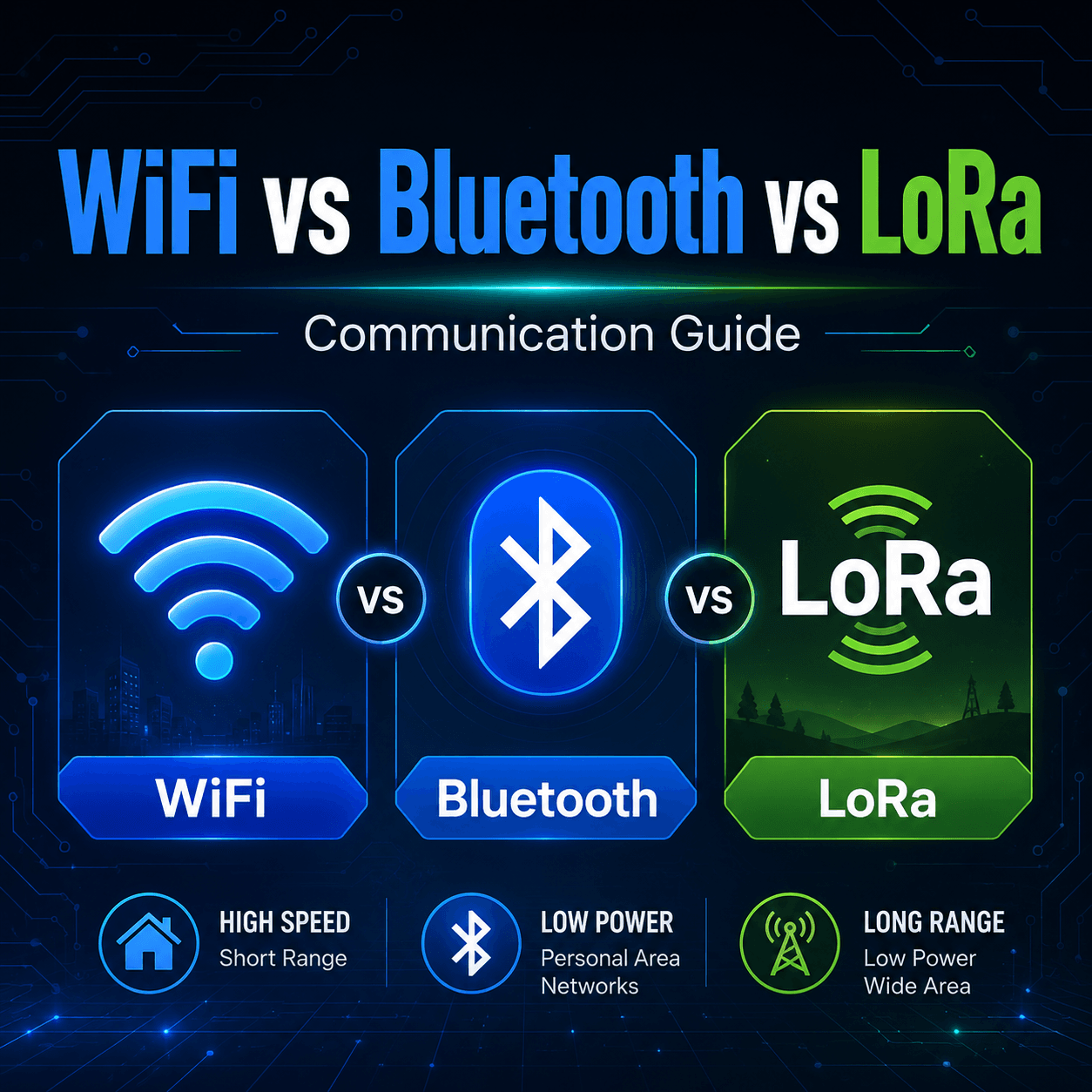
Wireless communication is one of the most useful skills in electronics projects. The moment your project needs to send data without a wire, you enter a small jungle of options: WiFi, Bluetooth, LoRa, Zigbee, RF modules, cellular, and more.
For most beginner and intermediate maker projects, three names appear again and again: WiFi, Bluetooth, and LoRa.
They all send data wirelessly, but they are not meant for the same job. Choosing the wrong one can make your project unreliable, power-hungry, short-ranged, or unnecessarily complicated.
This guide explains the difference between WiFi, Bluetooth, and LoRa in simple real-world terms, so you can choose the right communication method for your next electronics, IoT, robotics, or sensor project.
Quick Comparison
FeatureWiFiBluetoothLoRaBest forInternet-connected projectsPhone-to-device communicationLong-range low-data sensor networksRangeMediumShortVery longData speedHighLow to mediumVery lowPower usageHighLow, especially BLEVery lowInternet accessYes, through routerUsually no direct internetUsually no direct internet unless gateway is usedSetup difficultyEasy to mediumEasy to mediumMediumGood for video/audio?YesLimitedNoGood for sensors?YesYesExcellentNeeds router?Usually yesNoNo, unless using LoRaWAN gatewayTypical project styleSmart home, dashboards, cloud IoTMobile app control, wearables, nearby devicesFarms, remote sensors, outdoor monitoring
What Is WiFi?
WiFi is the same wireless technology your phone, laptop, and smart devices use to connect to the internet through a router.
In electronics projects, WiFi is popular because modules like the ESP8266 and ESP32 make it easy to connect a microcontroller to a local network or cloud server.
WiFi is best when your project needs:
Example WiFi Projects
Smart switch controlled from a phone
Temperature monitor with online dashboard
ESP32 web server
Home automation device
WiFi security camera
IoT energy meter
Weather station that uploads data to the cloud
Advantages of WiFi
WiFi is fast, widely supported, and very convenient when internet access is needed. You can send sensor data to cloud platforms, control devices from a browser, or build dashboards without extra gateways.
It also works well with common maker boards. The ESP32, ESP8266, Raspberry Pi Pico W, and Raspberry Pi boards are popular choices for WiFi-based projects.
Limitations of WiFi
WiFi uses more power than Bluetooth or LoRa. This makes it less suitable for small battery-powered sensors that need to run for months.
It also depends heavily on network coverage. If your project is outside WiFi range, the connection becomes unreliable. Walls, metal enclosures, and distance can reduce performance.
WiFi is powerful, but it is not always gentle on batteries.
What Is Bluetooth?
Bluetooth is designed for short-range communication between nearby devices. It is commonly used for headphones, speakers, keyboards, fitness bands, and phone accessories.
For electronics projects, Bluetooth is useful when you want a device to communicate directly with a phone, tablet, laptop, or another nearby module.
There are two common Bluetooth types:
Classic Bluetooth
Bluetooth Low Energy (BLE)
Classic Bluetooth is used for higher continuous data applications like audio and serial communication modules. BLE is designed for low-power devices that send small packets of data occasionally.
Example Bluetooth Projects
Robot controlled by phone
Bluetooth serial communication with Arduino
BLE sensor tag
Wireless button or remote
Fitness or health-style sensor device
Nearby device configuration tool
Smart lock prototype
Advantages of Bluetooth
Bluetooth does not need a router. A phone can connect directly to the device, which makes it useful for local control.
BLE is also very power efficient. A small battery-powered sensor can wake up, send data, and sleep again without draining the battery quickly.
Bluetooth is excellent when the user is physically near the project.
Limitations of Bluetooth
Bluetooth range is limited compared to WiFi and LoRa. It is great across a room, sometimes across a house, but not for long-distance outdoor sensor networks.
Bluetooth also has lower data speed than WiFi. It is not ideal for high-bandwidth applications like video streaming or large file transfers in maker projects.
Another practical limitation is app development. If you want a polished phone app, the hardware side may be easy, but the software side can become the real mountain goat.
What Is LoRa?
LoRa stands for Long Range. It is a wireless communication technology designed to send small amounts of data over long distances using very low power.
LoRa is not meant for high-speed communication. It is meant for tiny packets of information, such as sensor readings, alerts, location pings, or status updates.
LoRa is excellent when your project needs to communicate far away but does not need to send much data.
Example LoRa Projects
Farm soil moisture monitoring
Remote weather station
Water tank level monitoring
Long-range sensor network
Asset tracking beacon
Forest or field monitoring
Village-level environmental sensing
Remote pump status alert
Advantages of LoRa
LoRa has impressive range. In open outdoor areas, it can travel much farther than WiFi or Bluetooth. It also uses very little power, which makes it suitable for battery-powered remote sensors.
LoRa works well when there is no WiFi network nearby. This makes it useful for farms, warehouses, industrial sites, rooftops, villages, and outdoor monitoring projects.
Limitations of LoRa
LoRa is slow. Very slow compared to WiFi. You cannot use it for video, audio, images, or frequent large data transfer.
LoRa is best for short messages like:
Temperature: 31.5°C
Tank level: 62%
Door opened
Battery: 3.7V
Soil moisture: low
Another important point: LoRa by itself does not automatically mean internet connectivity. A basic LoRa setup sends data between LoRa devices. To send LoRa data to the internet, you need a gateway or a LoRaWAN network.
WiFi vs Bluetooth vs LoRa: The Simple Difference
Here is the easiest way to remember it:
Use WiFi when you need internet and speed.
Use Bluetooth when you need nearby phone-to-device communication.
Use LoRa when you need long range and low power, but only small data.
That is the whole forest map.
Range Comparison
Range depends on antenna quality, power level, walls, interference, module design, and environment. Still, this rough comparison helps:
TechnologyTypical Practical RangeBluetoothA few meters to tens of metersWiFiTens of meters, depending on router and obstaclesLoRaHundreds of meters to several kilometers in good outdoor conditions
For indoor projects, walls and metal objects can reduce range heavily. For outdoor projects, antenna placement becomes extremely important.
If your sensor is in the same room, Bluetooth may be enough. If it is inside your house or shop, WiFi may work well. If it is across a farm or industrial site, LoRa becomes very attractive.
Speed Comparison
TechnologyData Speed StyleWiFiHigh speedBluetoothLow to medium speedLoRaVery low speed
WiFi can handle dashboards, frequent updates, images, and large data compared to the other two.
Bluetooth is good for commands, settings, small sensor data, and nearby control.
LoRa is for small messages only. Think of LoRa as a wireless postcard, not a delivery truck.
Power Consumption Comparison
TechnologyPower UsageWiFiHighestBluetooth ClassicMediumBLELowLoRaVery low
For battery projects, power matters a lot.
A WiFi device may need frequent charging if it stays connected all the time. BLE and LoRa can be much better for low-power projects because they can sleep most of the time and wake only when needed.
If your project runs from a wall adapter, WiFi power usage may not matter much. If it runs from a coin cell, lithium battery, or solar panel, Bluetooth Low Energy or LoRa may be better choices.
Internet Connectivity
This is where many beginners get confused.
WiFi
WiFi can directly connect your microcontroller to the internet through a router.
Bluetooth
Bluetooth usually connects directly to a phone or nearby device. It does not normally connect your project directly to the internet unless the phone or another bridge forwards the data.
LoRa
LoRa devices talk to other LoRa devices. For internet connectivity, you need a LoRa gateway or LoRaWAN setup.
So if your project needs to upload data directly to a website, database, or cloud service, WiFi is usually the simplest path.
When Should You Use WiFi?
Use WiFi when:
Your project is near a WiFi router
You need internet access
You want a web dashboard
You want cloud data logging
You need higher data speed
Power consumption is not a major issue
You are using ESP32, ESP8266, Raspberry Pi, or Pico W
Good WiFi Project Example
A room temperature monitor that uploads data every minute to a cloud dashboard is a good WiFi project. The device is indoors, near a router, and internet access is useful.
When Should You Use Bluetooth?
Use Bluetooth when:
Your project needs to connect directly to a phone
The user will be nearby
You want local control without internet
You are building a remote, wearable, robot, or setup tool
Low power is important
You only need to send small or moderate data
Good Bluetooth Project Example
A small robot controlled by a phone app is a good Bluetooth project. The phone is nearby, internet is not required, and response time is more important than long range.
When Should You Use LoRa?
Use LoRa when:
Your project is far from WiFi coverage
You need long-range communication
You are sending small sensor readings
Battery life matters
You are working outdoors
You are building remote monitoring systems
Good LoRa Project Example
A soil moisture sensor placed in a farm field is a good LoRa project. It only needs to send a small reading every few minutes or hours, and WiFi may not be available in the field.
Common Mistake: Choosing WiFi for Everything
WiFi feels familiar, so beginners often choose it for every wireless project. But WiFi is not always the best choice.
For a battery-powered button that only sends one signal, WiFi may be overkill. BLE or LoRa could be better.
For a sensor installed far away from a router, WiFi may fail completely. LoRa may work more reliably.
For a robot controlled from a nearby phone, Bluetooth may be simpler than setting up WiFi networking.
The right wireless choice depends on range, power, data size, and whether internet is required.
Common Mistake: Expecting LoRa to Behave Like WiFi
LoRa is long-range, but it is not a replacement for WiFi.
You should not use LoRa for:
LoRa is excellent at sending tiny messages over long distances. Treat it like a long-distance whisper, not a broadband pipe.
Common Mistake: Ignoring Antennas
Wireless performance depends heavily on antennas.
A poor antenna can make a good module perform badly. A good antenna placed correctly can dramatically improve range.
For WiFi, Bluetooth, and LoRa, avoid placing antennas near metal surfaces, thick wires, batteries, or inside fully enclosed metal boxes unless the enclosure is designed for RF use.
For LoRa especially, antenna choice and placement can decide whether your project works across a room or across a field.
Which One Is Best for IoT?
There is no single winner. IoT simply means devices connected into a useful system. Different IoT projects need different communication methods.
IoT Project TypeBest ChoiceSmart plugWiFiPhone-controlled robotBluetoothFarm sensorLoRaHome temperature loggerWiFiWearable sensorBLELong-range water tank monitorLoRaDevice setup from phoneBluetooth / BLERemote industrial alert systemLoRa
For many real systems, technologies are combined. For example, a LoRa sensor may send data to a LoRa gateway, and the gateway may use WiFi or Ethernet to upload data to the internet.
Beginner-Friendly Module Suggestions
For WiFi
ESP32 development board
ESP8266 NodeMCU
Raspberry Pi Pico W
Raspberry Pi boards
For Bluetooth
ESP32 development board with BLE
HC-05 or HC-06 Bluetooth serial module for basic Arduino projects
BLE modules for low-power sensor projects
For LoRa
SX1276 / SX1278 based LoRa modules
ESP32 LoRa development boards
Arduino-compatible LoRa shields
LoRa gateway modules for advanced setups
The ESP32 is especially popular because it supports both WiFi and Bluetooth, making it a very flexible board for learning wireless communication.
Decision Checklist
Before choosing a wireless technology, ask these questions:
Does the project need internet access?
How far apart are the devices?
Will the project run on battery?
How much data do you need to send?
How often will data be sent?
Does the user need to control it from a phone?
Is the project indoors or outdoors?
Is there already WiFi available at the location?
Choose WiFi if:
Choose Bluetooth if:
Choose LoRa if:
You need long range
Data is small
Battery life matters
WiFi is not available
Practical Example: Water Tank Monitoring
Suppose you want to monitor a water tank level.
If the tank is on the roof of a house with WiFi coverage, an ESP32 with WiFi may be the easiest option.
If the tank only needs local phone checking while standing nearby, Bluetooth could work.
If the tank is far away on a farm or in an industrial area without WiFi, LoRa is likely the better option.
The project is the same, but the environment changes the best communication method.
Practical Example: Robot Control
For a small indoor robot, Bluetooth is often a simple choice because the phone can directly control the robot nearby.
WiFi can also work if you want browser control, camera streaming, or remote control over a network.
LoRa is usually not ideal for fast robot control because it is designed for low-data long-range communication, not quick continuous commands.
Practical Example: Weather Station
For a home weather station near your router, WiFi is convenient because it can upload readings to a dashboard.
For a remote weather station in a field, LoRa is often better because it can send small readings over long distance while saving power.
Bluetooth is useful only if the weather station is checked locally from a nearby phone.
Final Recommendation
For most beginners:
Start with WiFi using ESP32 if you want internet-connected projects.
Start with Bluetooth or BLE using ESP32 if you want phone-controlled projects.
Start with LoRa modules if you want long-range outdoor sensor projects.
The best wireless technology is not the one with the biggest numbers. It is the one that fits your project’s actual job.
A good communication choice makes your project feel smooth and reliable. A poor choice turns the project into a tiny radio drama with too many villains: weak signal, dead battery, dropped data, and mysterious resets.
Choose based on range, power, speed, and internet requirement, and your wireless project will be much easier to build.
Summary
WiFi, Bluetooth, and LoRa are all useful, but they solve different problems.
WiFi is best for internet-connected, higher-speed projects.
Bluetooth is best for nearby communication, especially phone control and low-power devices.
LoRa is best for long-range, low-power sensor networks that send small amounts of data.
Once you understand these differences, choosing the right wireless method becomes much simpler. Your project stops guessing and starts communicating like it actually read the assignment.